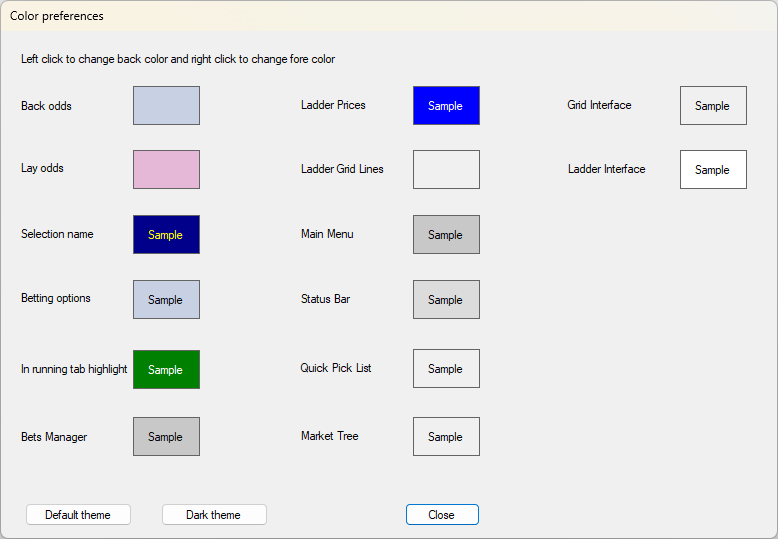
From the Menu Bar select Options, then Colour Preferences to open the Colour Preferences window.
Here you can change the background colour of various areas of the application.
Click on the colour that you want to change to open the standard Windows colour pallete to make the change.
Click on the Default settings button to return all the areas back to their default colours.
Click on the 'Dark theme' button to change a number of the colours at once to a pre-set dark theme.